Compared with Notion
Notion is a tool you build. Memol is just writing.
Notion can build anything — but most teams stall on setup and structure before they ever “master” it. Memol is different. Just jot it down. Organizing, and recalling, are the AI's job.
Free for up to 5 · No credit card required
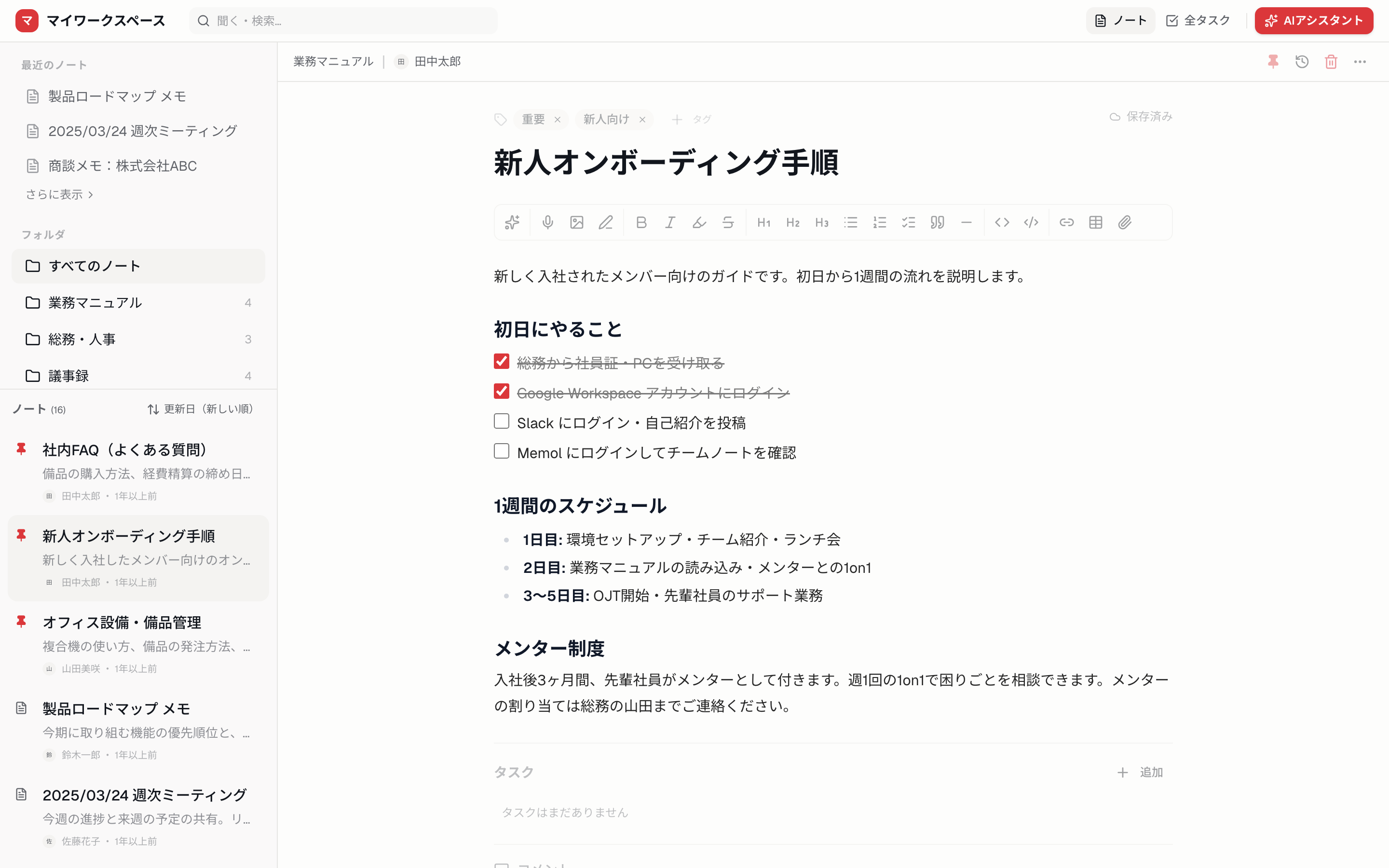
Two different philosophies.
NOTION
First, you build.
Design databases, build page structures, set up templates. All that flexibility comes at the cost of a slow, heavy start.
MEMOL
You just write.
Zero setup. Capture the thought and move on. Folders and tags can wait — AI recalls what you need, with sources.
We're not trying to win on feature count. Most teams don't need Notion's complexity — that's the whole idea behind Memol.
Compared from a small team's point of view.
If you choose by “will we use it daily” rather than “does it have everything.”
Teams Memol is built for
Notion felt too complex and never stuck
Too powerful, so no one ended up using it. Memol keeps only what you need — everyone starts on day one.
Has members who aren't tech-savvy
No complex databases, no setup. Just a simple write-and-go UI anyone can follow.
Wants to start right now
No more time spent building the perfect tool. Write today, ask the AI tomorrow — that's all it takes.
Frequently asked questions
Notion feels too complex. Is there a simpler alternative?
Memol is just-write. No database design or page building — usable from day one. AI handles organizing and search.
Notion feels heavy and slow.
Memol is web-based and fast — open a note and start typing immediately.
Is Notion expensive? I want to keep costs down.
Memol is free for up to 5, and unlimited from $4/mo — costs stay low for small teams.
Can I migrate my data from Notion?
Yes — import via Notion connect or CSV. See the migration guide for steps.
Stop building. Start writing.
Memol takes minutes to set up. Start sharing across your whole team today.
Free for up to 5 · No credit card required